
Web development gives college students a practical way to turn ideas into working digital experiences.
The right habits can help students build stronger projects, portfolios, and career-ready technical skills.
Key Takeaways
- Learn HTML, CSS, and JavaScript before chasing complex frameworks.
- Separate web design decisions from web development responsibilities.
- Build responsive, accessible, and user-friendly websites from the beginning.
- Use version control for every serious project.
- Learn APIs, basic server-side concepts, and database fundamentals.
- Treat page speed, security, and technical optimization as core skills.
- Build projects for real audiences instead of creating disconnected classroom exercises.
- Use SEO principles so search engines can discover and understand your pages.
- Add structured information when it genuinely helps machines interpret content.
- Keep learning through documentation, testing, feedback, and practical projects.

What Is Web Development?
Web development is the process of building and maintaining websites and web applications. It can involve simple static pages or complex applications that process data and support interactive features.
College students can approach web development as both a technical discipline and a creative skill. A good project combines structure, design, functionality, content, performance, and accessibility.
The field includes front-end and back-end work. Full-stack development combines both areas. Understanding how the pieces connect is more useful than memorizing isolated technologies.
Web Design vs Web Development
Web design shapes the look, structure, and feel of a digital experience. Web development turns those designs into functioning websites and applications. Wed development is a key aspect digital marketing strategies.
Web designers often focus on user experience, visual hierarchy, typography, layouts, and interaction patterns. Developers focus on functionality, code, data, performance, and technical behavior.
The two disciplines overlap. A college student should understand both sides, even when specializing in one.
Start With HTML
HTML provides the structure and meaning of web content. It defines headings, paragraphs, lists, links, images, forms, and other page elements.
Start by learning semantic HTML. Use headings in logical order. Label forms clearly. Use meaningful links. Give images useful alternative text when appropriate.
Do not treat HTML as decoration. Good structure improves usability, maintainability, accessibility, and how systems interpret your content.
MDN’s web development tutorials provide practical learning paths covering HTML, CSS, JavaScript, and other foundational web technologies.
Learn CSS Properly
CSS controls styling and layout. It lets you manage typography, spacing, colors, positioning, grids, flexible layouts, and responsive behavior.
College students often start with visual experimentation. That is useful, but strong CSS requires structure. Learn selectors, the box model, Flexbox, Grid, responsive units, media queries, and reusable styles.
Avoid writing large amounts of repetitive CSS. Build a consistent visual system instead.
Understand JavaScript
JavaScript adds interactivity and dynamic behavior to web pages. It can respond to user actions, update page content, communicate with services, and manage application logic.
Start with variables, functions, conditions, loops, arrays, objects, and events. Then learn the Document Object Model and asynchronous programming.
Do not rush into frameworks before understanding the language. Strong JavaScript fundamentals make later tools easier to learn.
MDN’s web technology documentation describes HTML, CSS, and JavaScript as core web technologies. It also covers APIs, accessibility, performance, privacy, and security.
Build Responsive Websites
Responsive design allows a website to adapt to different screen sizes. Students should treat responsiveness as a requirement, not an optional enhancement.
Use flexible layouts instead of fixed desktop dimensions. Test navigation, forms, images, tables, and content blocks on smaller screens.
Google uses the mobile version of a site’s content for indexing and ranking under mobile-first indexing. Google’s mobile-first guidance recommends mobile-friendly pages and consistent content across device versions.
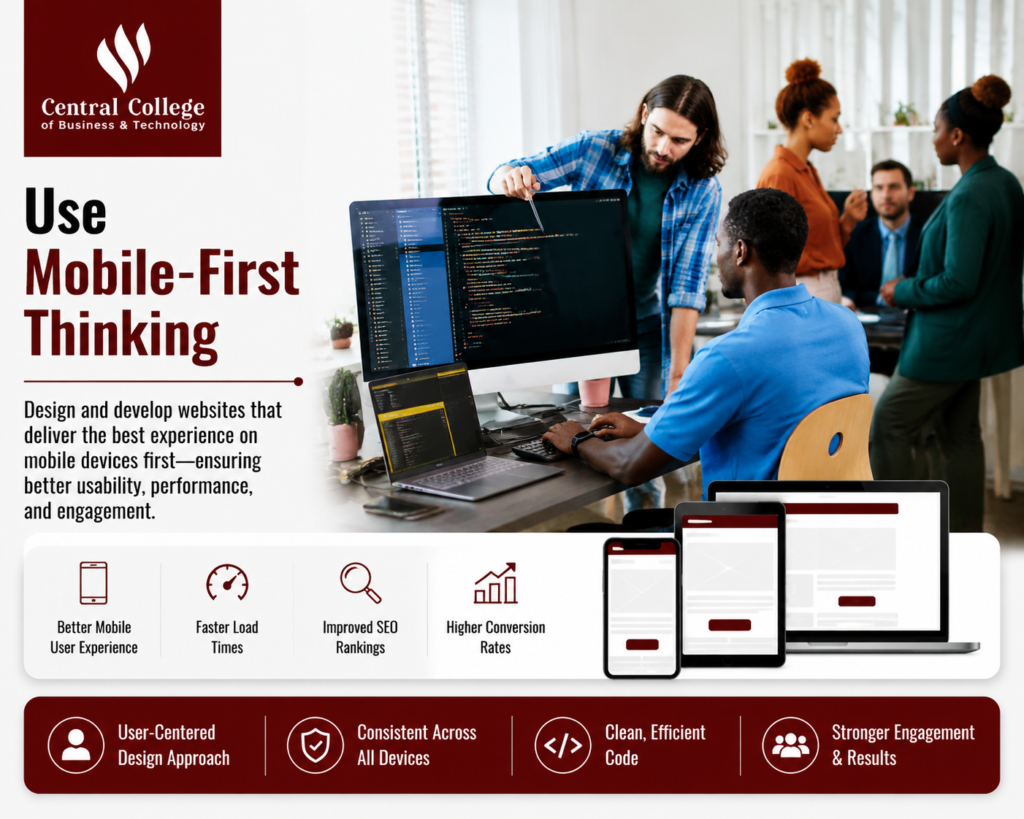
Use Mobile-First Thinking
Mobile-first design starts with the smallest practical screen. You then expand the layout as more space becomes available.
This approach forces students to prioritize essential content. It also helps prevent crowded navigation and oversized design elements.
Do not assume every visitor has a large monitor. A responsive layout should remain readable and usable across phones, tablets, laptops, and larger displays.
Improve User Interface and User Experience
User interface design concerns the elements people interact with. User experience covers the broader experience of completing tasks and finding information.
An enhanced user experience begins with clarity. Visitors should understand what a page offers and where they can go next.
Use familiar navigation patterns. Keep buttons understandable. Group related information. Avoid unnecessary pop-ups and confusing menus.
A visually appealing page is not automatically a useful page. Function should guide visual decisions.
Create a Clear Visual Hierarchy
Visual hierarchy helps users understand what matters first. Size, spacing, contrast, positioning, and typography can guide attention.
Start every page with one clear purpose. Then organize supporting information around that purpose.
A commonly cited web-design statistic says 94% of first impressions are design-related. However, the original research behind this claim is often simplified online. The practical lesson remains useful: visual clarity can influence how people perceive a website.
Students should therefore test design decisions rather than relying on statistics alone.
Make Navigation Simple
Navigation should help users move through a website without unnecessary effort. Use familiar labels and group related pages logically.
Avoid menus filled with vague terms. A visitor should understand where a link leads before clicking it.
Create a consistent navigation structure across the site. Keep important actions easy to find.
Simple navigation also helps search engines discover related pages through internal links.
Practice With Real Projects
Classroom exercises teach concepts. Real projects teach decisions.
Build a portfolio site, student organization website, small ecommerce prototype, event registration page, or local business concept.
Choose a specific audience before writing code. Identify the user’s problem. Then plan the pages and features required to solve it.
A real project gives you something meaningful to discuss during interviews.
Use Version Control
Version control tracks changes to code over time. It also helps developers collaborate and recover earlier versions.
Learn Git basics early. Create a repository for each serious project. Commit changes regularly with clear messages.
Do not wait until a large project becomes difficult to manage. Good version-control habits are easier to build when projects are still small.
Students should also learn branches, merges, pull requests, and conflict resolution as their projects become more advanced.
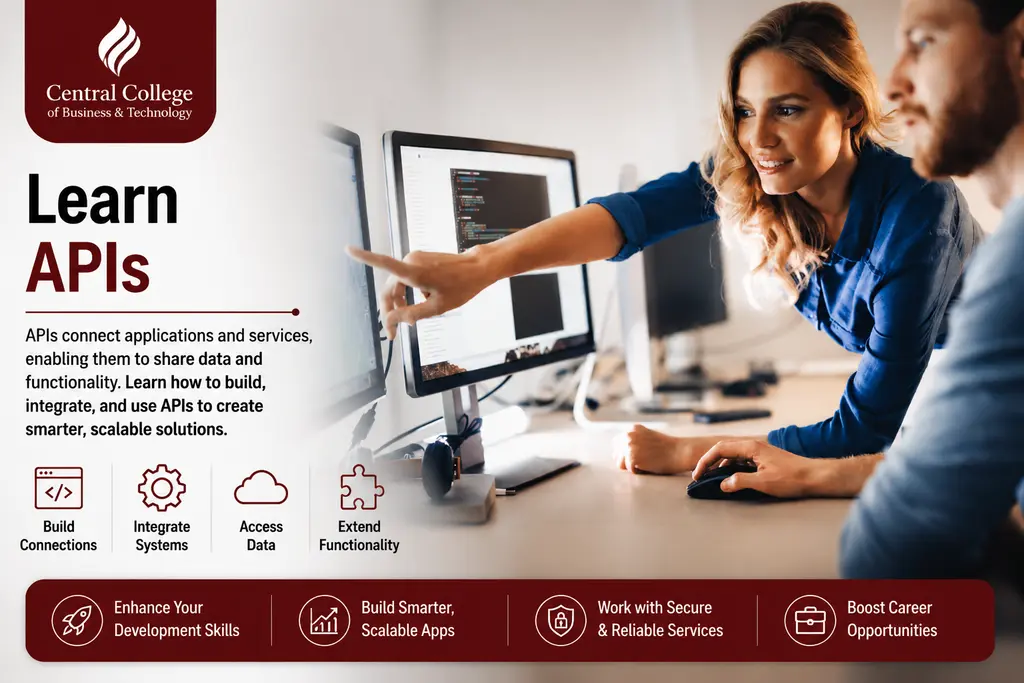
Learn APIs
Modern websites often communicate with external services. APIs provide structured ways for applications to exchange information.
Learn how to make requests, read responses, handle errors, and work with authentication safely.
Start with simple public APIs. Then build a project that uses external data.
Understanding APIs makes web development more practical. It also helps students understand how front-end interfaces connect with back-end systems.
Understand Front-End and Back-End Development
Front-end development covers what users see and interact with. Back-end development manages server-side logic, databases, authentication, and application processes.
Students do not need to master both areas immediately. They should understand the relationship between them.
A form on the front end may send data to a server. The server may validate that data and store it in a database. The response then returns information to the interface.
That simple flow explains much of modern web application architecture.
Learn Basic Server-Side Concepts
Even front-end students benefit from understanding server-side concepts. Learn requests, responses, routes, authentication, sessions, databases, and APIs.
You do not need to become a database administrator. You need enough knowledge to understand how applications exchange and store information.
This understanding also helps when debugging problems that do not originate in the browser.
Think About Security Early
Security should not be added at the end of a project. Learn basic secure development practices while building your first applications.
Protect credentials and API keys. Validate input. Use secure authentication methods. Keep dependencies updated. Understand common web vulnerabilities.
Students should also learn why client-side validation alone is insufficient. Server-side validation remains important when applications accept user data.
Security knowledge makes your projects more credible and reduces avoidable mistakes.
Improve Page Speed
Fast loading supports a better user experience. It can also influence how users interact with a website.
Optimize images before uploading them. Avoid unnecessary scripts. Reduce large assets. Use efficient formats. Remove unused code when possible.
Google’s Core Web Vitals measure loading performance, interactivity, and visual stability. Google’s Core Web Vitals documentation explains metrics such as LCP, INP, and CLS.
Students should learn to measure performance instead of guessing.
Build Mobile-Friendly Pages
Responsive websites should work across different screen sizes. Test them on real devices when possible.
Check text size, button spacing, navigation, images, forms, and horizontal scrolling.
Mobile-first design also affects content decisions. Keep important information easy to access without forcing users through unnecessary steps.
A mobile-friendly experience is now part of basic website quality.
Learn Accessibility
Accessibility makes websites easier to use for people with different abilities. It should be considered during design and development.
Use semantic HTML. Provide keyboard access. Maintain sufficient contrast. Label forms. Use descriptive link text. Provide alternative text for meaningful images.
Do not build accessibility as a final checklist. Good structure supports accessibility from the beginning.
Understand Search Engine Optimization
Search engine optimization helps search engines understand your content and helps users discover relevant pages.
Students should learn basic on-page SEO. Use descriptive titles, useful headings, readable content, internal links, meaningful URLs, and accurate metadata.
Avoid keyword stuffing. Search engines are designed to understand natural language and page context.
Google’s SEO Starter Guide emphasizes useful, readable, original, and people-first content. It also warns against excessive keyword repetition.
Use Structured Content
Structured content helps users scan information. It can also make page meaning clearer to search engines and other systems.
Use logical headings. Break long sections into focused paragraphs. Use lists when they improve comprehension.
Structured data can provide explicit information about page content. Google explains that structured data can help its systems understand pages and can make eligible pages available for certain rich-result features.
Use structured data only when it accurately represents visible page content.
Improve Local Visibility
Students working on projects for local businesses should understand local SEO. Location can influence how users search for services and businesses.
For a Mississauga project, relevant local information might include the service area, business location, contact details, and locally useful content.
Avoid creating pages that repeat the same text for different locations. Local content should provide genuine value.
This is where mississauga web design projects can become useful portfolio pieces.
Plan Before You Code
Do not begin every project by opening a code editor. Start by defining the audience, goal, pages, features, and content.
Create a simple sitemap. Sketch page layouts. Identify the main user journey.
Then decide which technologies are actually necessary.
Planning reduces rework. It also helps students explain their design and development decisions later.
Design for the Target Audience
A website should reflect its users. A student project aimed at prospective customers should not look like a personal portfolio.
Define the target audience before choosing colors, layouts, language, and content.
Ask what users need to accomplish. Identify the information they need before taking action.
This makes strategic web design more purposeful.
Use Strong Branding
A website should communicate a consistent identity. Typography, colors, imagery, tone, and spacing should work together.
Students learning graphic design should connect visual identity with user experience. A logo is only one part of brand identity.
If a project includes logo design services, the logo should support the wider brand system. It should remain readable across different sizes and applications.
Avoid designing every page as a separate visual experiment.
Create Better Content
Good web development cannot compensate for unclear content. Users need useful information that answers their questions.
Write short sections. Use descriptive headings. Place important information where users expect it.
Avoid generic filler. Every paragraph should serve a purpose.
Original content also supports search visibility. Search engines need enough context to understand what a page provides.
Build a Company Website
A company website should reflect business goals. It may need service pages, contact forms, product information, location details, FAQs, and conversion paths.
Students should think beyond appearance. Ask how a visitor becomes a customer.
Map the journey from landing page to action. Make important contact options easy to find.
A good student project can demonstrate both design thinking and development ability.
Learn Ecommerce Basics
Ecommerce websites introduce additional technical and user-experience requirements. Product pages need clear information, useful images, pricing, navigation, and reliable purchase flows.
Students should understand that ecommerce also involves security, performance, accessibility, and data handling.
A basic ecommerce prototype can be an excellent portfolio project. Focus on user flow rather than trying to recreate a huge commercial platform.
Understand Static Websites
A static website delivers predetermined page content. Static sites can be fast, simple, and effective for many projects.
Students should understand when static content is sufficient. A portfolio, event site, or simple informational website may not need complex application infrastructure.
Choosing simpler technology can be a strength. Avoid adding frameworks or databases when the project does not require them.
Learn Technical Optimization
Technical optimization covers the behind-the-scenes factors that affect performance, accessibility, crawling, and maintainability.
Keep code organized. Use descriptive filenames. Optimize images. Reduce unnecessary requests. Test broken links. Check console errors.
Technical quality should support the user experience rather than become an exercise in complexity.
Use AI Tools Carefully
AI-assisted development tools can help students explore code, generate ideas, explain errors, and speed up repetitive tasks.
However, generated code still needs review. Students should understand what their applications do before using AI-generated solutions.
Use AI as a learning assistant rather than a replacement for fundamentals.
Ask tools to explain code. Test the output. Check security risks. Compare suggestions with trusted documentation.
Build AI-Ready Websites
AI systems depend on understandable content and structured information. Clear page organization can help automated systems interpret your website.
Use descriptive headings. Provide accurate organization information. Keep important content visible. Use structured data where appropriate.
AI readiness should not mean writing content for machines alone. People remain the primary audience.
A useful website should be clear to both users and systems.
Test Before Publishing
Testing should happen throughout the design and development process. Do not wait until the final day.
Check links, forms, navigation, layouts, images, scripts, and error states.
Test on multiple browsers and screen sizes. Use keyboard navigation. Test slow connections when possible.
Ask another person to use the website without instructions. Their confusion can reveal problems you missed.
Measure Website Success
A project needs clear goals. Decide what success means before launch.
For a portfolio site, success might mean completed projects and contact requests. For an ecommerce prototype, it might mean completed checkout flows.
Use appropriate analytics when required and respect privacy. Do not collect data simply because a tool allows it.
Measurement should answer useful questions about the website.
Improve Through Feedback
Web development is iterative. Your first version will rarely be your best version.
Ask classmates, instructors, and target users to test the project. Watch where they hesitate.
Do not defend every design decision. Look for evidence that a change would improve usability.
Then revise, test again, and document what changed.
Build a Web Development Portfolio
A portfolio should show how you think, not only what you built.
Include a short explanation for each project. Describe the problem, audience, design decisions, technologies, challenges, and outcome.
Show responsive layouts. Include relevant code repositories when appropriate. Explain your contribution to group projects.
Three strong projects can demonstrate more ability than a long list of unfinished experiments.
Prepare for Your Next Project
Before starting your next project, create a repeatable process.
Start with research. Define the audience. Plan the content. Sketch the interface. Build the structure. Add styling. Add interactivity. Test. Optimize. Publish. Measure. Improve.
This process creates consistency.
It also mirrors the way professional teams approach design and development.
Common Web Development Mistakes
College students often make similar mistakes when learning web development.
They may start with advanced frameworks before learning HTML, CSS, and JavaScript. They may ignore mobile layouts until the end. They may add unnecessary animations. They may use copied content. They may skip accessibility and security.
Another common mistake is treating SEO as a final plugin.
Good websites consider structure, usability, performance, content, and search visibility from the beginning.
Why Choose Central College of Business & Technology?
Central College of Business & Technology in Mississauga offers a Web Design and Development Diploma Program. Its published program information lists one academic year and 843 total hours. Central College’s current programs and courses lists the program and describes it as preparing students for both functional design and web development.
The program is designed around both functional design and web development. This combination is useful for students who want to understand the relationship between interface decisions and technical implementation.
The curriculum can provide a structured environment for students developing web design and development skills. Prospective students should review the current curriculum, admission requirements, and program details before enrolling.
Central College also publishes other technology-focused programs. These include cybersecurity and network-focused education, allowing students to explore related technology pathways.
FAQs
What should college students learn first in web development?
Start with HTML, CSS, and JavaScript. Learn how websites are structured before moving into advanced frameworks. Then study responsive design, accessibility, APIs, version control, and basic security. Build small projects while learning. This approach creates stronger fundamentals and makes advanced tools easier to understand later.
How can I build a new website as a student?
Start by defining the audience and purpose of the new website. Create a sitemap and simple layout. Build the structure with HTML, style it with CSS, and add JavaScript when needed. Test responsiveness, accessibility, performance, and navigation. Then publish the project and document your development decisions.
Why is mobile friendly design important?
A mobile friendly website should remain usable across smaller screens. Responsive layouts help content, navigation, forms, and interactive elements adapt to different devices. Google uses mobile versions of websites for mobile-first indexing. Testing on phones also reveals usability problems that may remain hidden on desktop screens.
Should students learn graphic design with web development?
Basic graphic design knowledge can improve web projects. Students can better understand typography, spacing, color, imagery, visual hierarchy, and brand identity. However, web development also requires technical skills. Learning both areas can help students communicate effectively with designers and make stronger interface decisions.
What should students look for in Mississauga web design programs?
When comparing mississauga web design programs, review the curriculum, practical projects, technologies taught, program length, instructors, and portfolio opportunities. Check whether students learn both design and development. Also review current admission requirements and program details. A strong program should help students understand how visual design becomes a functioning website.
Final Thoughts
Web development is a practical skill that rewards consistent practice. College students can start small and gradually build more complex projects.
Learn HTML, CSS, and JavaScript first. Then add APIs, version control, responsive design, accessibility, security, SEO, and performance.
Build projects for real audiences. Test them on real devices. Use feedback to improve them.
Most importantly, understand why you are making each technical decision. A strong developer does not simply make websites work. They create useful, accessible, secure, and maintainable digital experiences.
For students in Mississauga, Central College’s Web Design and Development Diploma Program offers a structured route into these skills. The college’s published program information combines web design with web development and practical training.
Explore the current program details, compare your career goals, and choose the learning path that helps you build your next project with confidence.